Framer Motion: animations that bring a site to life
A static site is a dead site. Sure, content is king — but a smooth animation is the invisible detail that decides whether a site feels professional or like a school project from 2015.
Today I added Framer Motion to the whole of airepublic.cz. Here's what I learned.
Why Framer Motion?
CSS animations can do a lot. But once you need:
- Gestures — drag, pinch, hover with physics
- Layout animations — smooth rearrangement of elements
- AnimatePresence — animations when leaving the DOM
- Scroll-linked — animations driven by scroll position
- Spring physics — realistic springy motion
...CSS isn't enough. Framer Motion solves all of this with a single API.
Install
npm install framer-motion
Done. No configuration, no plugins. Works with Next.js 15 out of the box.
Basic patterns
Fade-in on scroll
The simplest upgrade for any site. An element fades in smoothly when the user scrolls to it:
import { motion } from 'framer-motion'

<motion.div
  initial={{ opacity: 0, y: 24 }}
  whileInView={{ opacity: 1, y: 0 }}
  viewport={{ once: true }}
  transition={{ duration: 0.6 }}
>
  {/* content */}
</motion.div>
Stagger effect on cards
Cards appear one after another — a cascading effect that looks great:
<motion.div
  initial="hidden"
  whileInView="visible"
  variants={{
    visible: { transition: { staggerChildren: 0.1 } },
  }}
>
  {items.map((item) => (
    <motion.div
      key={item.id}
      variants={{
        hidden: { opacity: 0, y: 20 },
        visible: { opacity: 1, y: 0 },
      }}
    />
  ))}
</motion.div>
Spring animations
CSS ease-in-out is boring. Spring physics brings animations to life:
<motion.div
  whileHover={{ scale: 1.05 }}
  whileTap={{ scale: 0.95 }}
  transition={{ type: 'spring', stiffness: 300, damping: 20 }}
/>
Live demo
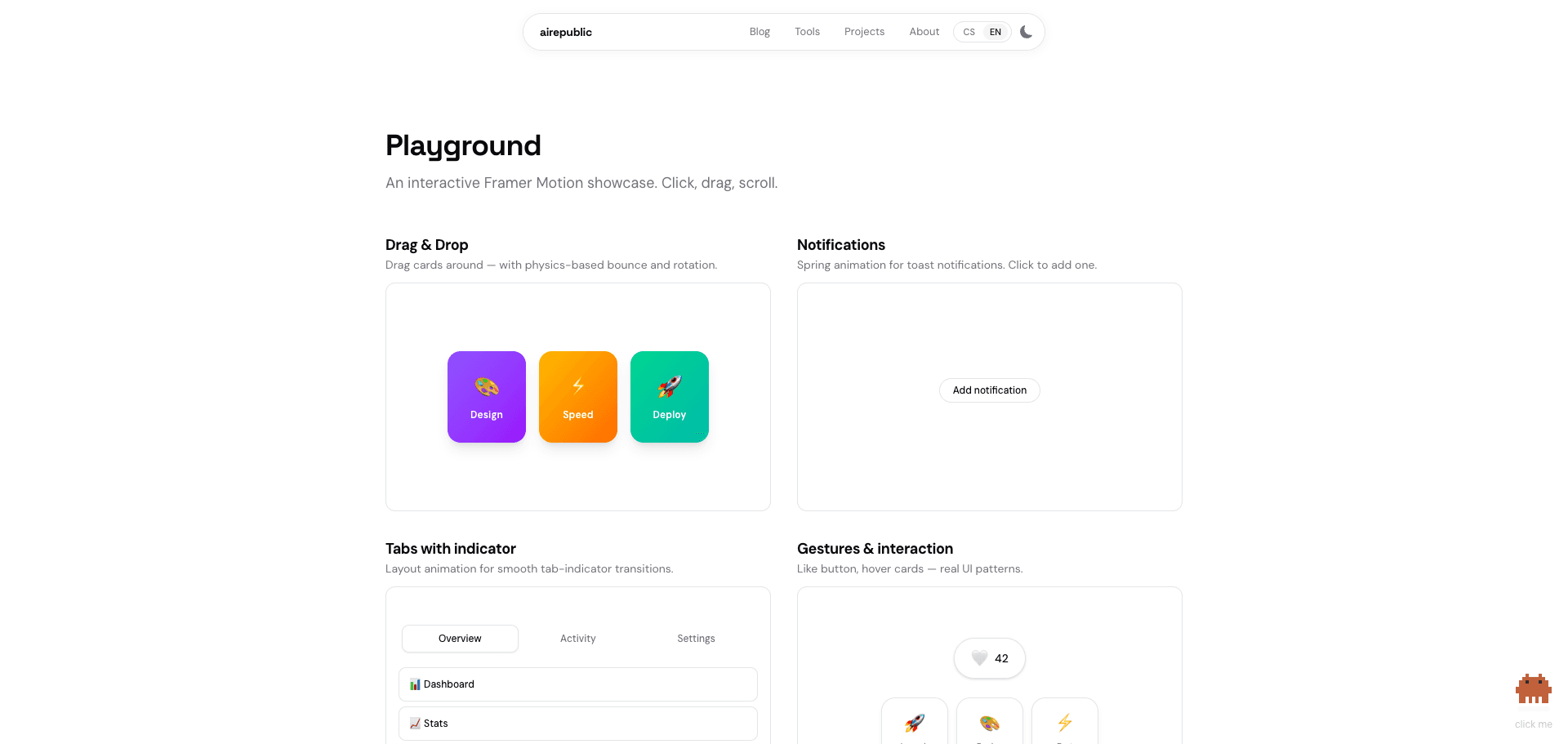
This is just a taste. Try it yourself:
What I animated on airepublic.cz
- Article and tool cards — stagger fade-in on scroll
- Page headers — smooth entrance
- Mobile menu — AnimatePresence for smooth open/close
- Playground page — 8 interactive demo examples
The whole integration took one afternoon. Most of the work = creating reusable components (FadeIn, StaggerGrid, PageHeader) that you then just wrap around existing content.
Tips from practice
'use client' as deep as possible. Framer Motion needs client-side JavaScript. Don't wrap the whole page — create small client components and let server pages just pass them data.
viewport={{ once: true }} — the animation runs only once. Without it, elements would animate every time you scrolled to them, which is annoying.
Spring > easing. Almost always. Spring physics looks more natural and you don't need to tune timing functions.
AnimatePresence for exit animations. Without it, the element disappears instantly. With it, you can add a smooth exit.
Verdict
Framer Motion is must-have for any React project where UX matters. The API is intuitive, performance is solid, and the result is visible immediately.
Biggest surprise? How little code is enough for dramatic improvement. Two lines of motion.div and the site suddenly feels completely different.
All animations on this site run on Framer Motion. Check out the Playground for interactive examples.