Claude's hidden superpowers most people don't know about
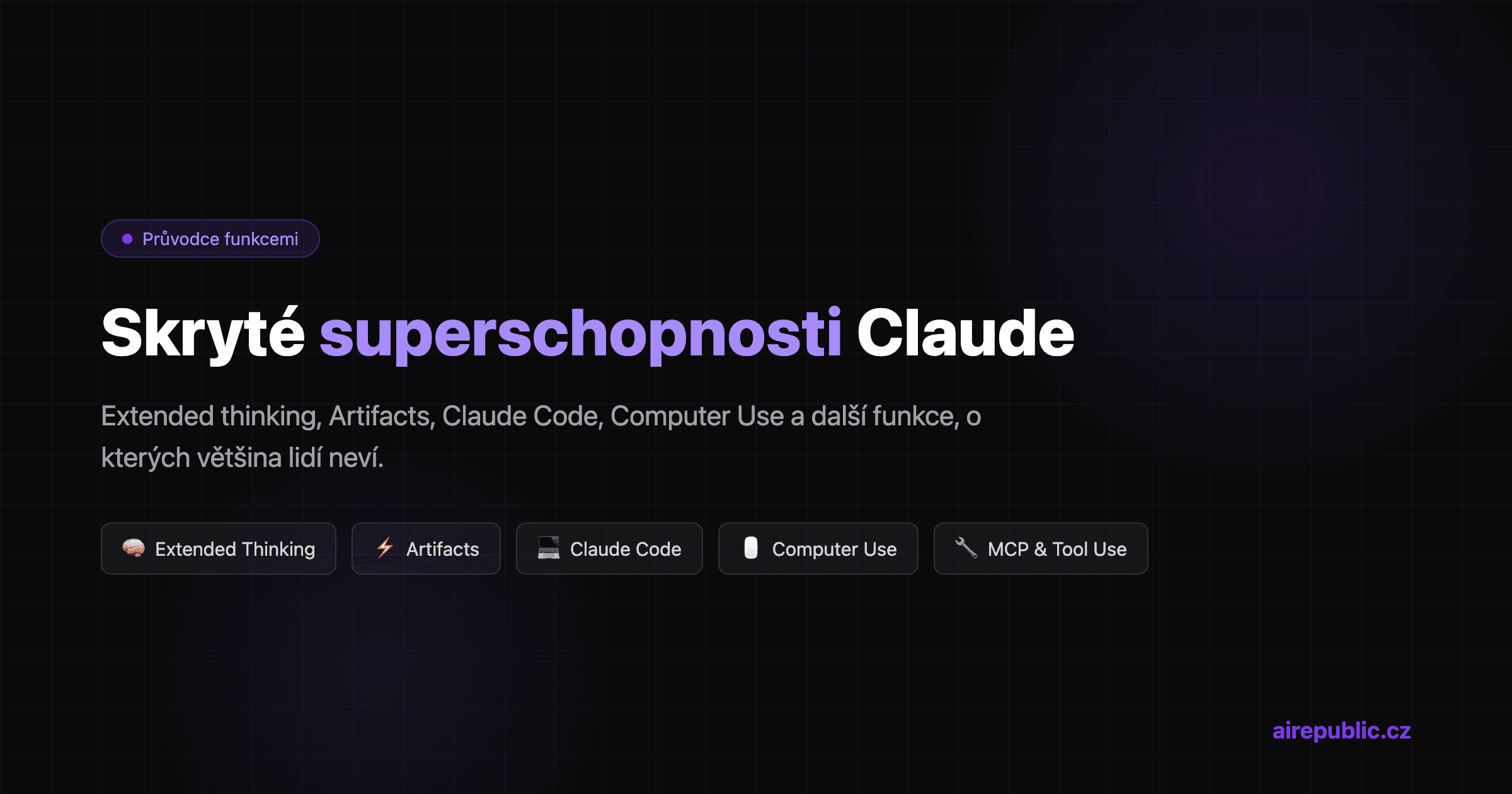
Most people know Claude as "that other chatbot next to ChatGPT." They open claude.ai, type a question, get an answer. And that's where it ends for them.
But Claude has things under the hood that the average user has no idea about. Features that turn it from a chat window into a developer tool, an analytics engine, and a creative partner all at once.
Here's a rundown of the capabilities that personally surprised me. I actively use every single one.
1. Extended Thinking — Claude thinks out loud
This is probably the biggest thing that sets Claude apart from the competition. When you turn on extended thinking, Claude shows you its entire thought process — step by step, in real time.
It's not just "chain of thought" like GPT-o1. Claude literally thinks out loud: it weighs alternatives, questions its own assumptions, goes back and corrects itself. And you see it happen.
Where it actually helps:
- Complex analytical tasks — untangling requirements, architectural decisions
- Debugging — Claude walks through the code step by step and finds the problem
- Math and logic — you see exactly where it made a mistake (if it did)
Where it's pointless: simple questions like "translate this into English." There, thinking just slows things down.
My take: I use extended thinking daily. Not for everything — but when I need Claude to really think and not just generate text, it's indispensable. Response quality is noticeably higher with thinking on for anything complex.
2. Artifacts & Projects — an interactive workspace
Artifacts are one of those things you have to see to understand. When Claude generates code, a document, or a visualization, it doesn't spit it out as text into the chat. Instead, it creates an interactive artifact — a live preview next to the conversation.
What artifacts can do:
- React components — live preview, you can click and interact
- SVG and diagrams — Mermaid, ASCII art, data visualizations
- Documents — Markdown with formatting, export to PDF
- Code — syntax highlighting, copy, iterate
And then there are Projects. Think of it as a workspace — you upload files, set a system prompt, and Claude has context across conversations. You don't have to explain who you are and what you're doing every single time.
My take: This entire website runs in a Claude Project. I've got CLAUDE.md with rules, the project structure, an SEO checklist. When I say "write a new article," Claude knows what format, what tone, what meta tags. It saves an unbelievable amount of copy-pasting. ChatGPT has GPTs, but Projects are more flexible for real work.
3. Claude Code — AI agent in the terminal
This is where it gets interesting for developers. Claude Code isn't a chatbot — it's a terminal agent that:
- Reads your entire codebase (not just the open file)
- Edits files across the project
- Runs terminal commands
- Commits and creates pull requests
- Works with git worktrees for isolated changes
And that's not all. Claude Code has:
- Hooks — automatic actions on events (runs lint before commit, checks types after editing)
- MCP servers — connections to GitHub, Supabase, Figma, Chrome DevTools and dozens more
- Subagents — parallel work on multiple tasks at once
- Skills — pre-built workflows for brainstorming, code review, TDD
Recently it runs not just in the terminal, but also as a desktop app (Mac/Windows), a web app (claude.ai/code), and IDE extensions (VS Code, JetBrains).
My take: Claude Code changed how I program. I say what I want, Claude does it, I review. Copilot completes lines — Claude Code builds entire features. More on that in my article on vibe coding with Claude Code.
4. Computer Use — Claude controls your computer
This sounds like sci-fi, but it's a real feature. Claude can:
- See a screenshot of your screen
- Identify UI elements
- Click, type, navigate
In practice that means you can tell it "open the browser, go to this page, fill out this form and download the result" — and it will.
Where it makes sense:
- Automating repetitive UI tasks — filling forms, scraping visual data
- Testing — walking through a UI flow to verify it works
- Accessibility — analyzing UI from the user's perspective
Where it doesn't (yet):
- Complex multi-step workflows — sometimes it gets lost
- Speed — slower than classic Selenium/Playwright
- Reliability — works for 90% of tasks, not for 10%
My take: The wow factor is huge. Practical uses are still niche. But the direction is clear — in a year, computer use will be the standard way to automate. Right now it's in the "impressive demo" phase. I use it for ad-hoc tasks where I can't be bothered to write a Playwright script for a one-off.
5. Tool Use & the MCP protocol
Claude isn't a closed chatbot — it can call external tools. Through the API you define functions for it (database queries, API calls, calculators, whatever), and Claude calls them itself when needed.
And then there's MCP — Model Context Protocol. An open standard from Anthropic for connecting AI to external services. One protocol, dozens of servers:
- GitHub — reads issues, creates PRs, comments
- Supabase — queries the database, runs migrations
- Figma — reads designs, generates code from components
- Chrome DevTools — debugs directly in the browser
- Google Calendar, Gmail — reads and creates events and emails
The MCP ecosystem is growing exponentially. And because it's an open standard, it works not just with Claude, but with other AI tools too.
My take: MCP is in my opinion the most important thing Anthropic has done after Claude itself. I wrote a detailed breakdown in my article on the MCP protocol. Short version: it turns AI from a "question answerer" into an "agent that does things."
6. System prompts and Constitutional AI
Claude behaves differently than GPT. Not by accident — it's trained differently.
Constitutional AI means Claude has a set of principles it uses to make decisions. It's not just RLHF (people saying "this is a good answer"). Claude has explicit rules: be honest, admit uncertainty, refuse when you don't know.
In practice that means:
- Fewer hallucinations — Claude says "I don't know" more often instead of making things up
- Better system prompts — Claude follows instructions more consistently
- Predictable behavior — less variance between answers
The system prompt on Claude works markedly better than on the competition. You can set:
- Tone and personality (formal vs. informal)
- Response format (always JSON, always English, always with examples)
- Constraints (don't answer X, always verify Y)
- Context (you are an expert on Z, you work for company W)
My take: The system prompt is the first thing I set up in every project. Claude takes it seriously — if you say "always answer in English and at most three sentences," it does. Consistently. With GPT I had to repeat the system prompt within the conversation because it "forgot." Claude doesn't.
Quick tips
A few more things worth mentioning:
200k context tokens — Claude processes ~150,000 words at once. An entire book, an entire codebase, an entire dataset. Opus 4.6 even has a 1 million token context. ChatGPT has 128k, Gemini 1M (but quality on long context is consistently better with Claude).
PDFs and images directly in chat — Upload a PDF and Claude reads and analyzes it. Same with images, screenshots, diagrams. No conversion needed.
Structured output — the API can return clean JSON matching your schema. No text parsing, no regex hacks. You define the structure, Claude fills it in.
Prompt caching — repeated parts of the prompt (system prompt, large documents) are cached on the API side. Result: significant savings on cost and latency for repeated calls.
Opus vs. Sonnet vs. Haiku — three models for three use cases. Opus is the most powerful (heavy reasoning, architecture). Sonnet is the sweet spot (daily work, code, analysis). Haiku is fast and cheap (classification, extraction, simple tasks). Most of the time you want Sonnet.
Batch API — send thousands of requests at once for half the price. Results within 24 hours. Ideal for processing large datasets where you don't need an immediate answer.
Claude on mobile — iOS and Android apps. Works surprisingly well — artifacts, images, long conversations. I use it on the road more than I expected to.
Conclusion
Claude isn't a chatbot. It's a platform — with agents, tools, extensions, and an ecosystem that grows every week.
Most people use maybe 10% of what it can do. Which is a shame, because the other 90% is what makes Claude genuinely useful — not just a pretty toy for generating text.
If you're curious how I got to Claude and why I stick with it, read the whole story from free tier to dependency. And if you're interested in how Claude stacks up against ChatGPT, I've got an honest comparison too.
Try it out at claude.ai — the free tier is enough to grasp what it's about. And then decide for yourself.